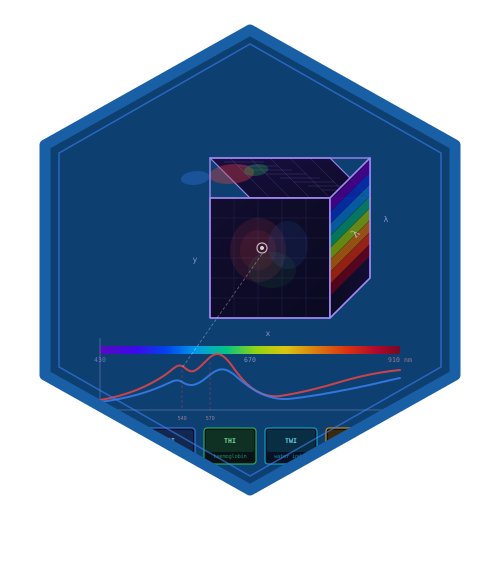
Opens a Shiny application for interactive exploration of hyperspectral cubes. Provides band selection, spectral profiling, research index mapping, cancellable background processing and analysis, and export tools across six tabs.
Arguments
- cube
An hsi_cube object to explore. If
NULL(default), the app starts with the example cube.- port
Integer. Port for Shiny server. Default
NULL(auto).- launch.browser
Logical. Open in browser. Default
TRUE.- max_upload_mb
Positive upload limit in MiB. Default 256. Uploaded cubes and background workers must also fit available memory.
Details
PNG downloads contain the current Viewer selection, including its mask, palette, band or RGB channels, and plot labels. ENVI downloads contain the complete current cube and a separate provenance record. Spectra CSV downloads contain the displayed random or clicked pixel coordinates and values; mean mode (or click mode before a selection) exports spatial summary statistics. Random samples remain fixed until the cube, sampling mode, or sample count changes. Cubes without measured wavelengths can be viewed by band index; wavelength-dependent operations, including RGB, require measured wavelengths.
Examples
# \donttest{
cube <- hs_example_cube()
if (interactive()) {
  hs_run_app(cube)
}
# }