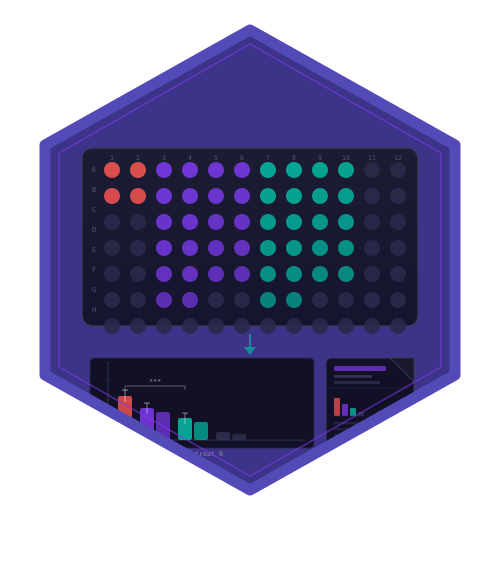
Starts the interactive front-end bundled with the package. The app covers the whole analysis path in one place: point it at a directory of segmented exports (or upload the files), specify or edit the design, review quality control with a per-unit exclusion table, choose a normalisation, estimate effect sizes as a table plus forest plot, and export a report.
Usage
cr_run_app(
  experiment = NULL,
  max_upload_mb = 512,
  launch_browser = interactive(),
  ...
)
Arguments
- experiment
Optional
cr_experimentto load on start-up. It is validated withcr_validate_experiment()before the app is built and handed to the server through the app object, so no global state is involved. WhenNULL(default) the app starts empty and offers synthetic example data.- max_upload_mb
Numeric. Maximum upload size per request, in megabytes. Segmented single-cell exports routinely exceed the Shiny default of 5 MB; this argument raises the limit for the duration of the running app and restores the previous value on exit. Default
512MB.- launch_browser
Whether to open a browser window. Defaults to
TRUEin interactive sessions.- ...
Further arguments passed to
shiny::runApp().
Value
Invoked for its side effect of running the app. Returns
whatever shiny::runApp() returns, invisibly.
Details
The user interface, the server and every helper live inside the
package namespace, so the app can be driven in-process by
shiny::testServer() as well as from a browser. The directory under
inst/shiny/cellreportR/ holds the www/ assets and a thin app.R
shim for deployment on a Shiny server.
Requires the shiny, bslib, DT and ggplot2 packages, all
listed under Suggests. An informative error naming the missing
package is raised when any of them is unavailable.
Examples
if (interactive()) {
  cr_run_app()
}

# Start from an experiment that is already in the session:
exp <- cr_example_experiment(seed = 1, n_cells_per_well = 10)
if (interactive()) {
  cr_run_app(exp)
}