



Overview
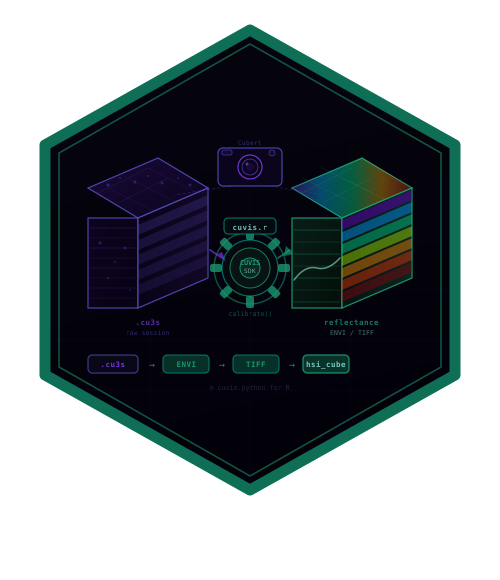
cuvis.r provides R bindings to the Cubert CUVIS C SDK for reading, processing, and exporting hyperspectral imaging data from Cubert snapshot cameras. It mirrors the API of cuvis.python.
Prerequisites
- Install the Cubert CUVIS SDK (>= 3.4.0) from https://cloud.cubert-gmbh.de/s/qpxkyWkycrmBK9m
- Set the
CUVIS_SDKenvironment variable to the SDK install directory - Install cuvis.r from GitHub:
remotes::install_github("cttir/cuvis.r")Quick Start
Initialize the SDK
Every cuvis.r session begins with cuvis_init() and ends
with cuvis_shutdown():
Load a Session File
Cubert cameras store measurements in .cu3s session
files. Load one with cuvis_session():
session <- cuvis_session("path/to/measurement.cu3s")
print(session)
Extract a Measurement
Session files contain one or more measurements. Access them by index (1-based):
mesu <- cuvis_get_measurement(session, 1)
print(mesu)
Inspect Metadata
md <- cuvis_get_metadata(mesu)
md$name
md$integration_time
md$serial_number
md$product_name
Get the Data Cube
The hyperspectral data cube is returned as a 3D R array
[rows, cols, bands] with wavelength metadata attached:
# First, process to generate the cube
ctx <- cuvis_processing_context(session)
cuvis_reprocess(ctx, mesu, mode = "raw")

cube <- cuvis_get_cube(mesu)
dim(cube)                        # e.g., c(100, 100, 61)
attr(cube, "wavelengths")        # wavelengths in nm
You can subset bands, compute means, or use standard R array operations:
Export to Standard Formats
# ENVI format (widely supported by remote sensing tools)
cuvis_export_envi(mesu, "output/envi/")

# Multi-channel TIFF
cuvis_export_tiff(mesu, "output/tiff/")Next Steps
- See
vignette("cuvis-r-calibration")for the full calibration workflow (dark/white references, reflectance conversion) - See the cuvis.python examples for workflow patterns that translate directly to cuvis.r
Use of LLM tools
Portions of this package were prepared with assistance from large
language model tooling for narrowly defined, non-authorial tasks:
copyediting, prose smoothing, Markdown/LaTeX formatting, scaffolding of
boilerplate files (CI configs, build scripts), code refactoring. The
tools used were Chat AI,
the LLM service of KISSKI (GWDG), and a self-hosted Mistral
Small (24B, Apache-2.0) run locally via Ollama and the ollamar R
package — local inference only, with no data sent to third parties for
the self-hosted model.
All scientific claims, methodological choices, analyses, interpretations, and conclusions are the author’s own. No LLM-generated text was incorporated without review and revision, and every reference was verified against its DOI, arXiv ID, or ISBN.